install.packages("remotes")
remotes::install_github("cobriant/qplotforever")Vectors, Tibbles, and Pipes
One More Installation (RStudio Console)
Download the Koans
Visit the koans on github. I wrote this for my Econometrics class; we’ll do about the first half in this class.
Click on the green button that says Code and then hit Download ZIP.
Find the file (probably in your downloads folder). On Macs, opening the file will unzip it. On Windows, you’ll right-click and hit “extract”. Then navigate to the new folder named tidyverse_koans-main and double click on the R project tidyversekoans.Rproj. RStudio should open. If it doesn’t, open RStudio and go to File > Open Project and then find tidyversekoans.Rproj.
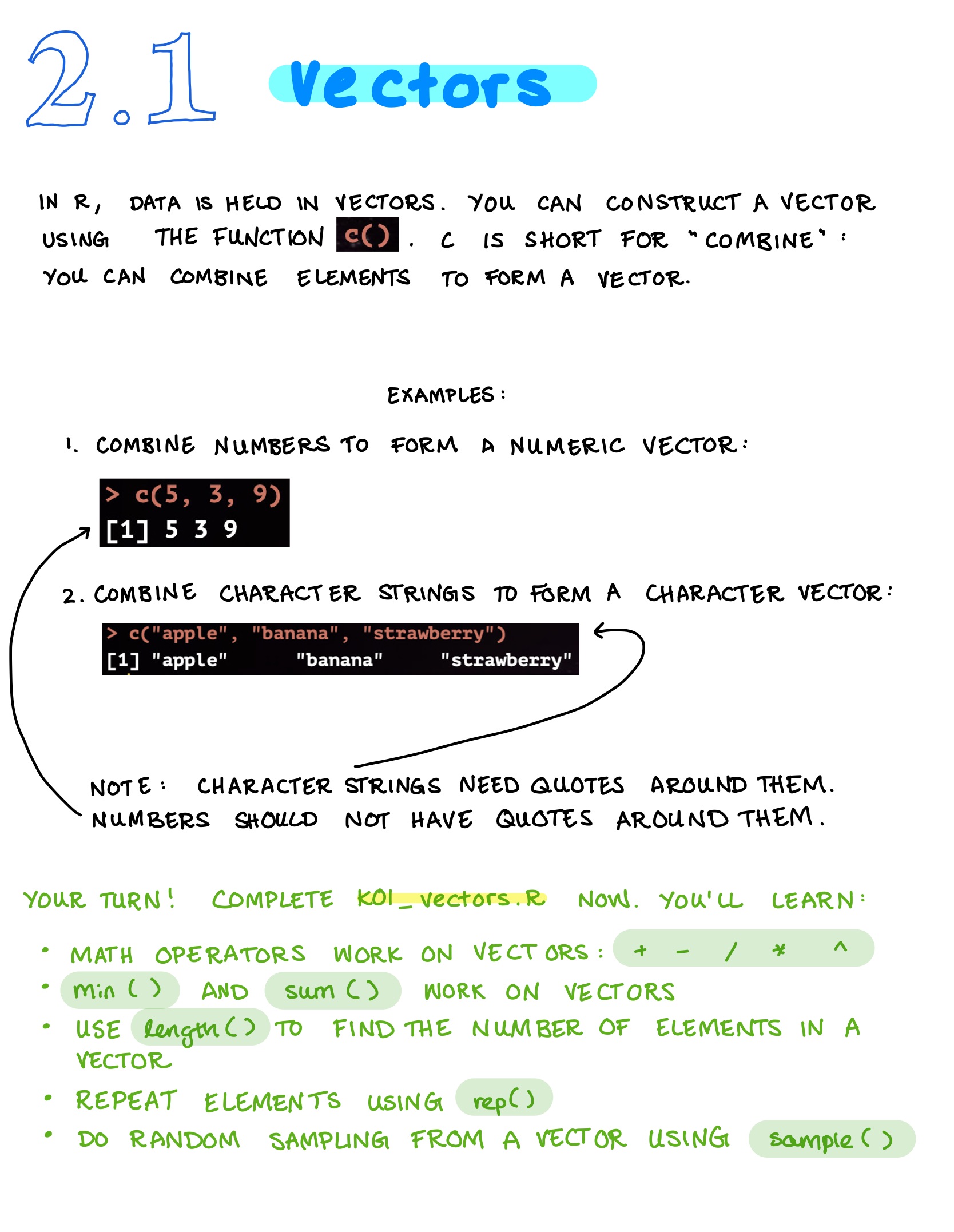
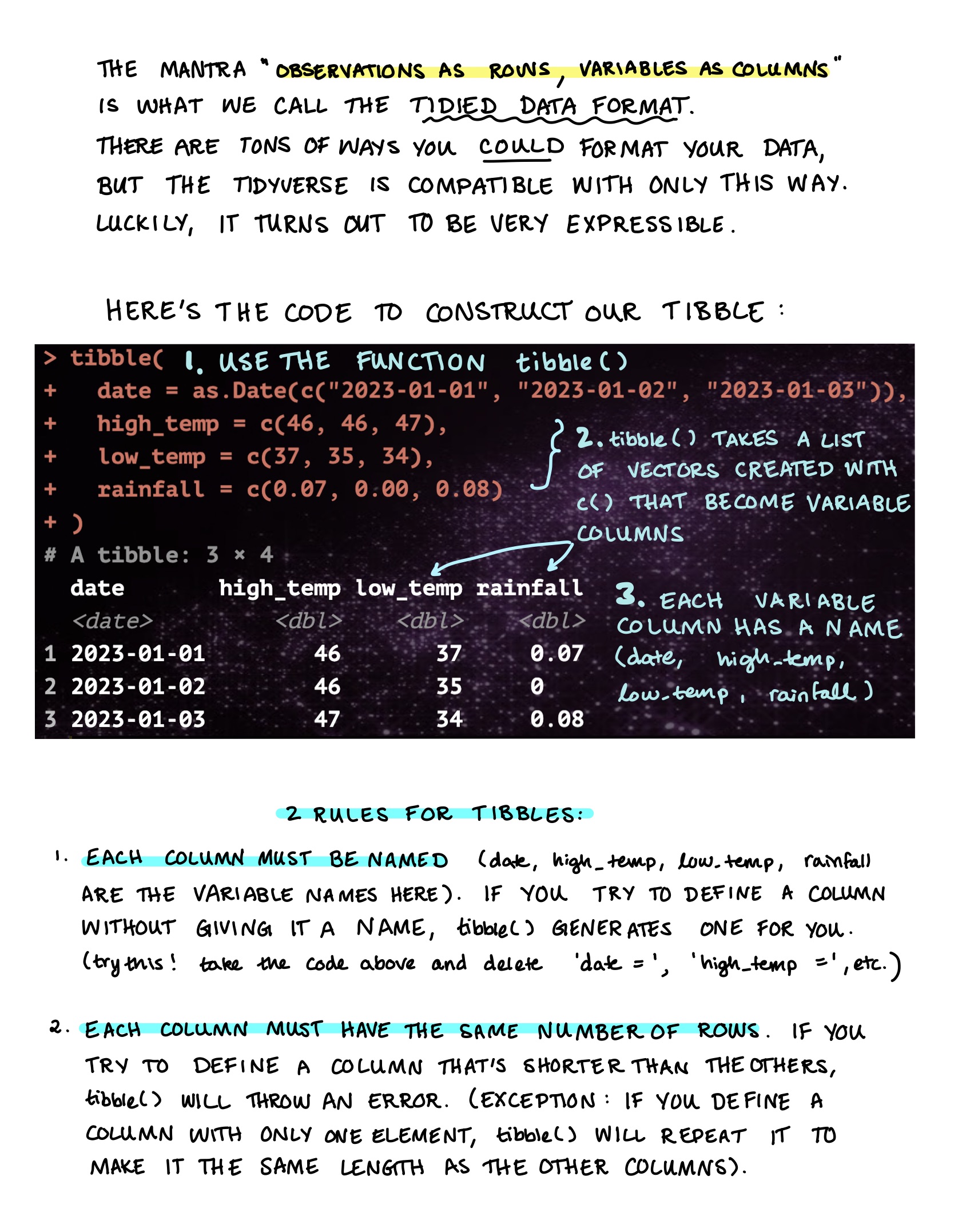
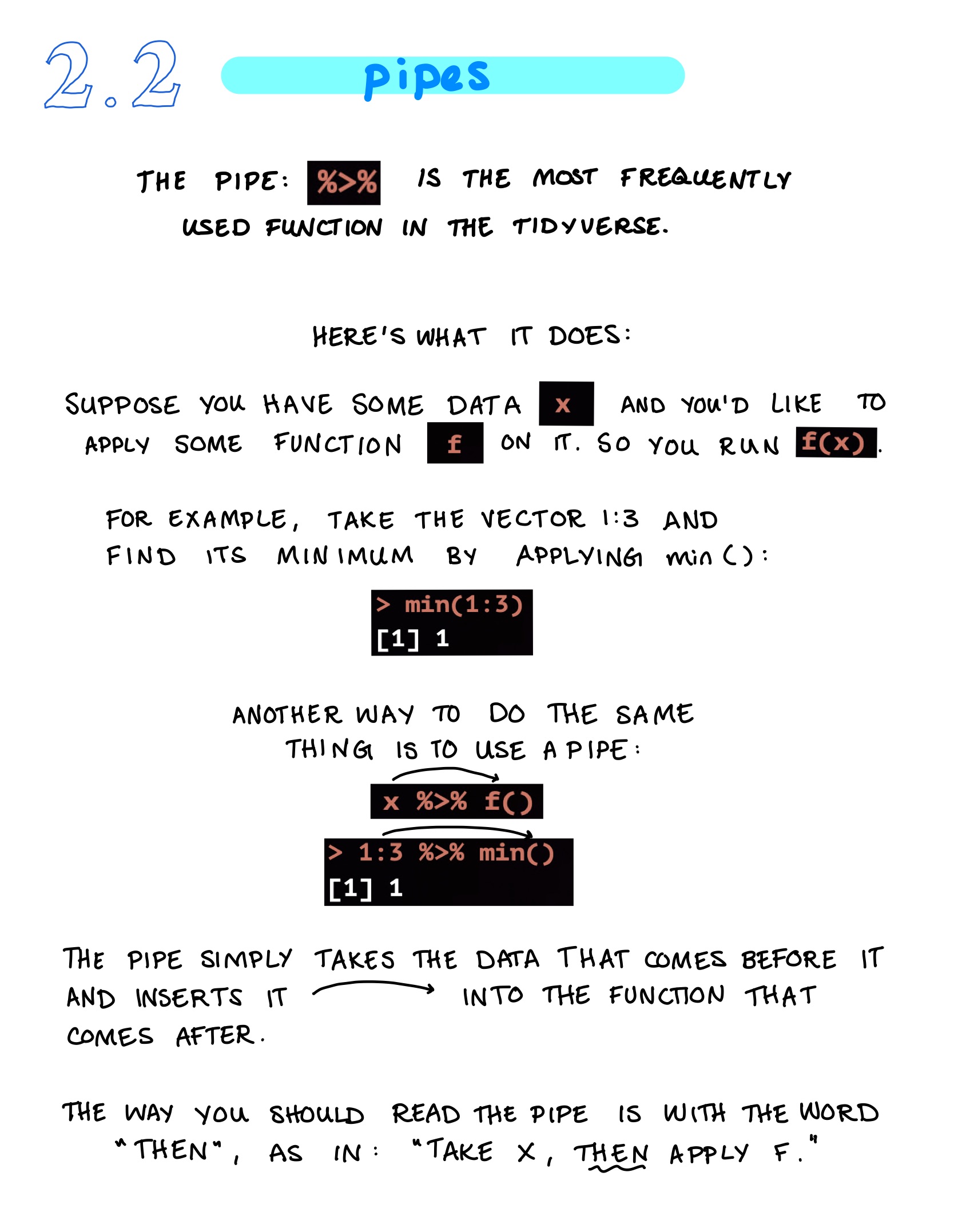
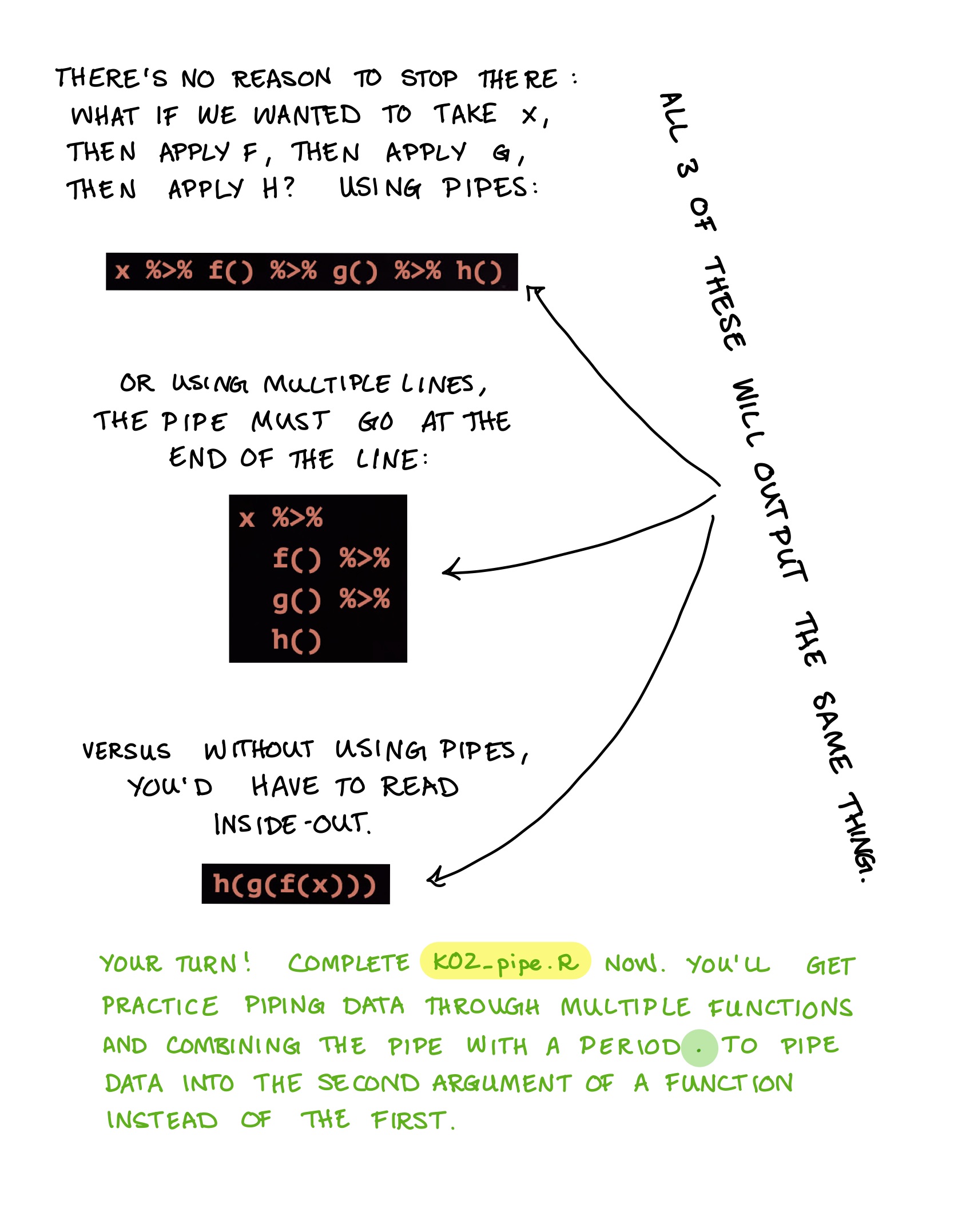
In RStudio, go to the lower righthand panel and hit the folder R. This takes you to a list of 20 exercises (koans) you’ll complete as homework over the course of the quarter. The first 3 (K01_vector, K02_tibble, and K03_pipe`) will be due at the end of class.
Open the first koan: K01_vector.R. Before you start, modify 2 keybindings:
First, make it so that you can hit Cmd/Ctrl Shift K to compile a notebook:
Macs: Tools > Modify keyboard shortcuts > filter for Compile Notebook > Cmd Shift K > Apply
Windows: Tools > Modify keyboard shortcuts > filter for Compile Notebook > Ctrl Shift K > Apply
Second, make it so that you can hit Cmd/Ctrl Shift T to run the test for only the active koan instead of all the koans:
Macs: Tools > Modify keyboard shortcuts > Run a test file > Cmd Shift T > Apply
Windows: Tools > Modify keyboard shortcuts > Run a test file > Ctrl Shift T > Apply
Now hit Cmd/Ctrl Shift T (Cmd Shift T on a mac; Ctrl Shift T on windows). You’ve just tested the first koan. You should see:
[ FAIL 0 | WARN 0 | SKIP 10 | PASS 0 ]
What does this mean? If there are errors in your R script, the test will not complete. Since it completed, you know there are no errors. Since FAIL is 0, you also haven’t failed any of the questions yet. But PASS is also 0, so you haven’t passed the questions either. Since they’re blank right now, the test will skip them. That’s why SKIP is 10.
The tests are meant to help you figure out whether you’re on the right track, but they’re not perfect: if you keep failing the tests but you think your answer is correct, don’t spend too much time worrying about it. The tests are sometimes a little fragile… They’re a work in progress!
Go ahead and start working on the koans and learning about the tidyverse!
When you’re finished with a koan, make sure to run the tests one last time (Ctrl/Cmd Shift T) and then publish an html version of the document (Ctrl/Cmd Shift K, and if that doesn’t do anything, change the keybinding for File > Compile Report to be Ctrl/Cmd Shift K).
One last thing: whenever you want to work on the koans, make sure you open RStudio by opening the tidyverse_koans-main project, not just the individual koan file. If you open the koans in a session that’s not associated with the tidyverse_koans-main project, the tests will fail to run. You can always see which project your current session is being associated with by looking at the upper right hand corner of RStudio: if you’re in the tidyverse_koans-main project, you’ll see tidyverse_koans-main up there. That’s good. If you’re in no project at all, you’ll see Project: (None) up there. That’s not good, especially if you want the tests to run. If you see Project: (None), just click that text and you’ll be able to switch over to the tidyverse_koans-main project.
Notes on Vectors and Pipes